

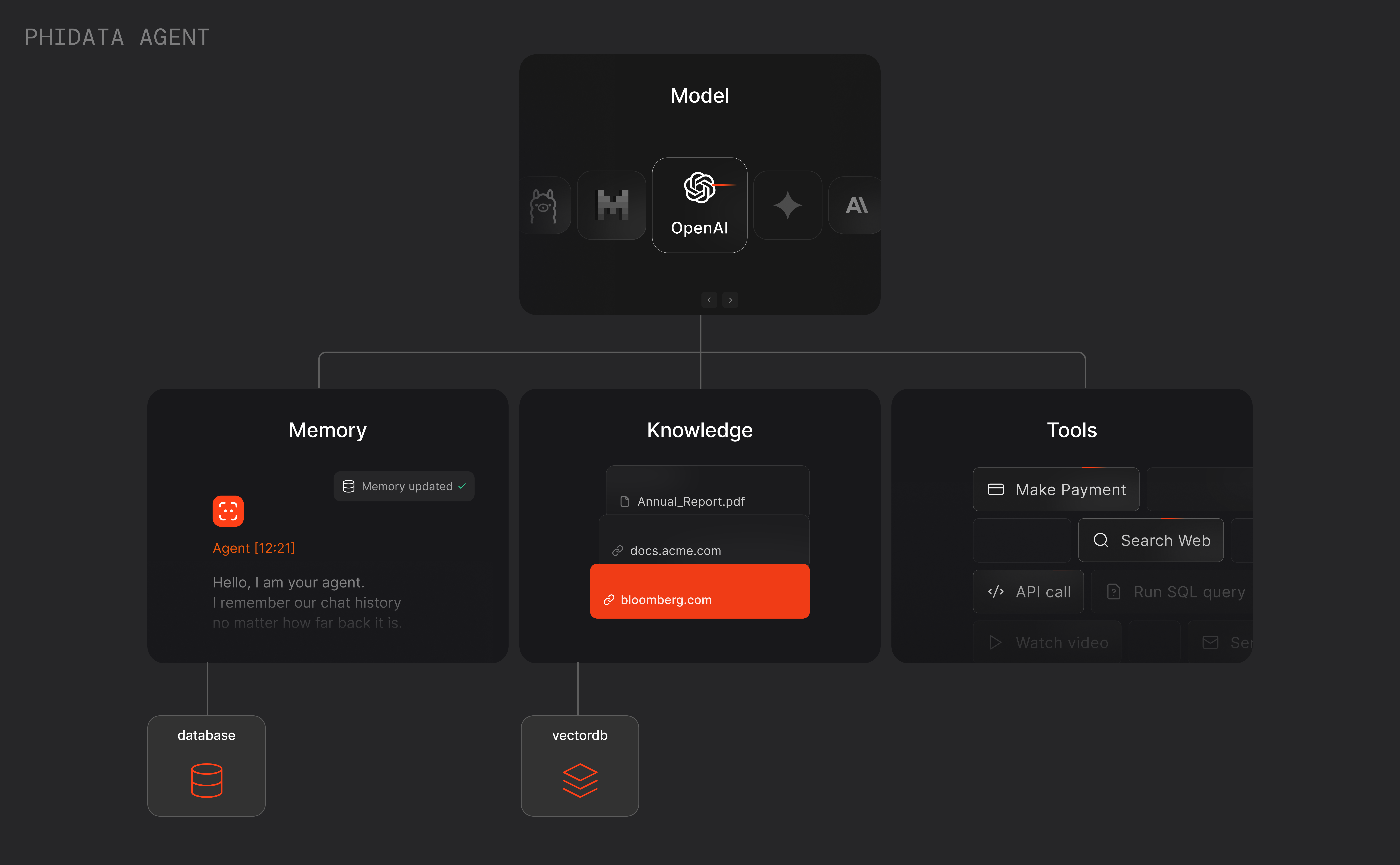
Example: Research Agent
Let’s create a research agent that can search the web, read the top links and write a report for us. We “prompt” the agent usingdescription and instructions.
1
Create Research Agent
Create a file
research_agent.pyresearch_agent.py
2
Run the agent
Install librariesRun the agent
The description and instructions are converted to the system prompt and the input (e.g.
Simulation theory) is passed as the user prompt.Use debug_mode=True to view the raw logs behind the scenes.Capturing the Agent’s response in a variable
WhileAgent.print_response() is useful for quick experiments, we typically want to capture the agent’s response in a variable to either pass to the frontend, another agent or use in our application. The Agent.run() function returns the response as a RunResponse object.
stream=False, set stream=True to return a stream of RunResponse objects.
RunResponse
TheAgent.run() function returns either a RunResponse object or an Iterator[RunResponse] when stream=True.