> ## Documentation Index
> Fetch the complete documentation index at: https://docs.phidata.com/llms.txt
> Use this file to discover all available pages before exploring further.
# Agent UI
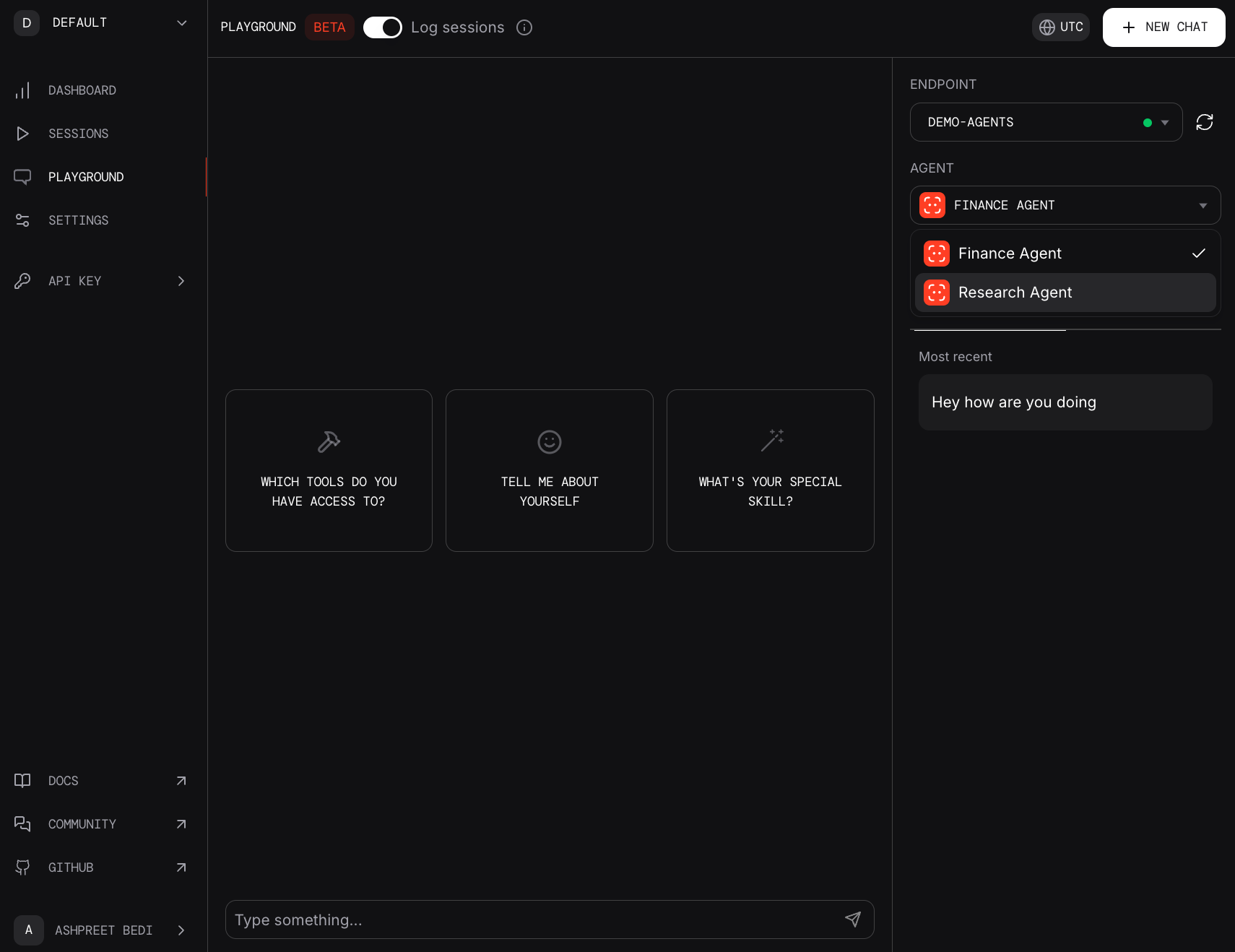
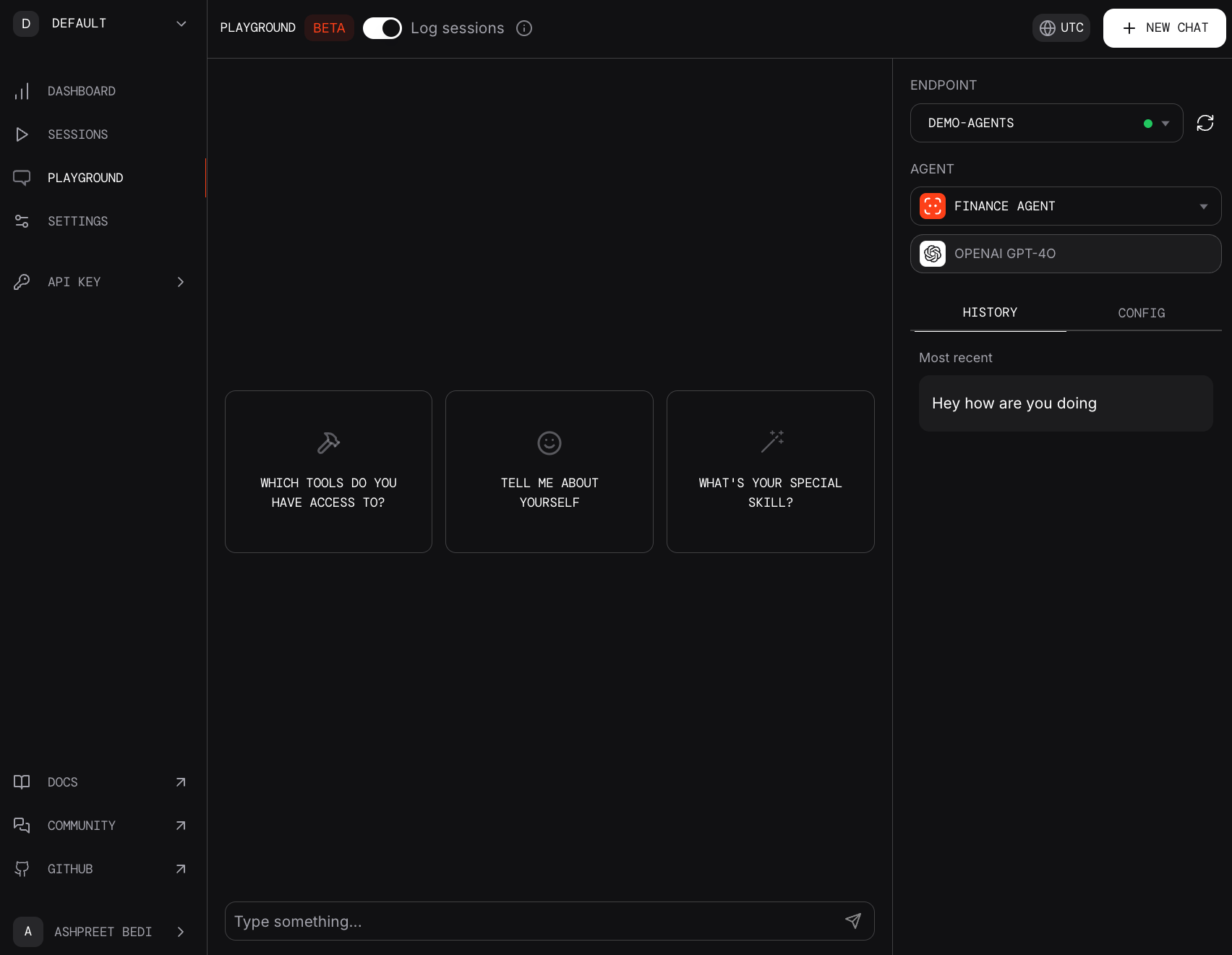
> Phidata provides a beautiful Agent UI for interacting with your agents.
 No data is sent to phidata, all agent sessions are stored locally in a sqlite
database.
Let's take it for a spin, create a file `playground.py`
```python playground.py theme={null}
from phi.agent import Agent
from phi.model.openai import OpenAIChat
from phi.storage.agent.sqlite import SqlAgentStorage
from phi.tools.duckduckgo import DuckDuckGo
from phi.playground import Playground, serve_playground_app
web_agent = Agent(
name="Web Agent",
model=OpenAIChat(id="gpt-4o"),
tools=[DuckDuckGo()],
instructions=["Always include sources"],
storage=SqlAgentStorage(table_name="web_agent", db_file="agents.db"),
add_history_to_messages=True,
markdown=True,
)
finance_agent = Agent(
name="Finance Agent",
model=OpenAIChat(id="gpt-4o"),
instructions=["Use tables to display data"],
storage=SqlAgentStorage(table_name="finance_agent", db_file="agents.db"),
add_history_to_messages=True,
markdown=True,
)
app = Playground(agents=[finance_agent, web_agent]).get_app()
if __name__ == "__main__":
serve_playground_app("playground:app", reload=True)
```
Make sure the `serve_playground_app()` points to the file that contains your
`Playground` app.
### Run the playground
Install dependencies and run the Agent Playground:
```shell theme={null}
pip install 'fastapi[standard]' sqlalchemy
python playground.py
```
### View the playground
* Open the link provided or navigate to `http://phidata.app/playground` (login required)
* Select the `localhost:7777` endpoint and start chatting with your agents!
## Demo Agents
The Agent Playground includes a few demo agents that you can test with. If you have recommendations for other agents we should build, please let us know in the [community forum](https://community.phidata.com/).
No data is sent to phidata, all agent sessions are stored locally in a sqlite
database.
Let's take it for a spin, create a file `playground.py`
```python playground.py theme={null}
from phi.agent import Agent
from phi.model.openai import OpenAIChat
from phi.storage.agent.sqlite import SqlAgentStorage
from phi.tools.duckduckgo import DuckDuckGo
from phi.playground import Playground, serve_playground_app
web_agent = Agent(
name="Web Agent",
model=OpenAIChat(id="gpt-4o"),
tools=[DuckDuckGo()],
instructions=["Always include sources"],
storage=SqlAgentStorage(table_name="web_agent", db_file="agents.db"),
add_history_to_messages=True,
markdown=True,
)
finance_agent = Agent(
name="Finance Agent",
model=OpenAIChat(id="gpt-4o"),
instructions=["Use tables to display data"],
storage=SqlAgentStorage(table_name="finance_agent", db_file="agents.db"),
add_history_to_messages=True,
markdown=True,
)
app = Playground(agents=[finance_agent, web_agent]).get_app()
if __name__ == "__main__":
serve_playground_app("playground:app", reload=True)
```
Make sure the `serve_playground_app()` points to the file that contains your
`Playground` app.
### Run the playground
Install dependencies and run the Agent Playground:
```shell theme={null}
pip install 'fastapi[standard]' sqlalchemy
python playground.py
```
### View the playground
* Open the link provided or navigate to `http://phidata.app/playground` (login required)
* Select the `localhost:7777` endpoint and start chatting with your agents!
## Demo Agents
The Agent Playground includes a few demo agents that you can test with. If you have recommendations for other agents we should build, please let us know in the [community forum](https://community.phidata.com/).